
Speed-ramped interior
Dulwich Road apartment walkthrough
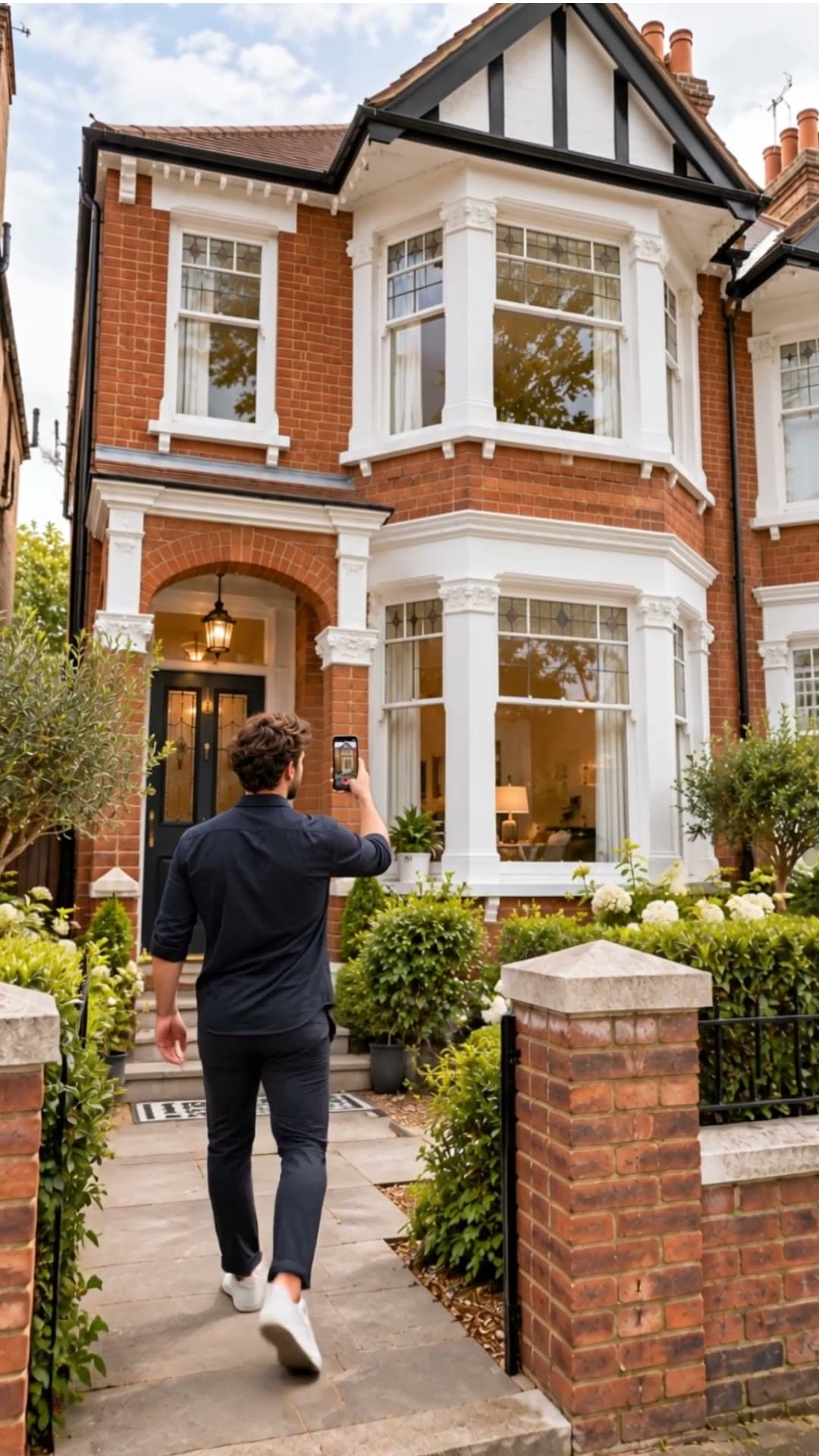
A phone-filmed interior cut, speed-ramped so corridors move on and rooms hold. Portrait 9:16 for social.
AI walkthrough video editor
Create engaging property videos from footage you have already shot, ready for listings, social media and property marketing.
10 free credits on signup. No credit card required.
Press play to watch the VideoMotion promo.
What it is
VideoMotion is for estate agents, property photographers, new-homes teams and holiday-let operators who shoot walkthroughs on a phone. Upload the clips. The app finds rooms, recommends speed ramps, and exports a 1080p listing or social cut. It does not generate video from a still photograph.
In brief
What does VideoMotion do?
VideoMotion is a browser editor for property walkthroughs you have already filmed. Upload phone footage, review AI-recommended speed ramps, add branding and your own music, then export 1080p portrait or landscape. It does not generate video from a still image or a text prompt.
Examples
These are edited from filmed footage, not generated from still photos. Playback starts only when you press play, so extra videos are not downloaded on first load.
Speed-ramped interior
A phone-filmed interior cut, speed-ramped so corridors move on and rooms hold. Portrait 9:16 for social.
House for sale
A branded house-for-sale reel from filmed footage — exterior approach plus interiors, paced for Instagram and TikTok.
Show home
A portrait show-home walkthrough with listing overlays. Filmed on site, then cut for social — not a stills animation.
Step 1
Shoot a portrait or landscape walkthrough. Optional: add property facts, generate an AI script and use the teleprompter before you film.
Step 2
Add up to 10 MP4 or MOV clips. VideoMotion identifies rooms, transitions and hero moments, then recommends speed ramps.
Step 3
Adjust ramps with style presets or the timeline, add a logo, intro or outro and your own music, then export 1080p portrait or landscape.
The walkthrough you already shot on a phone is the source. VideoMotion paces it; it does not ask you to rebuild the visit in a desktop editor.
Export portrait 9:16 for feeds or landscape 16:9 for portals and websites from the same filming visit.
AI recommends ramps. You can accept a style preset or open the timeline and change every segment before you export.
10 welcome credits on signup. A finished video is a flat 5 credits, covering analysis and export. Optional scripts cost 1 credit.
Upload filmed footage and let the app mark rooms, transitions and standout moments so you spend less time scrubbing a timeline.
Slow hero rooms, keep detail shots readable, and move faster through corridors — then tweak every segment if you want.
Export 1080×1920 for Reels, TikTok and Shorts, or 1920×1080 for portals, YouTube and websites.
Start with Fast & Punchy, Balanced, or Smooth & Cinematic, then refine speeds on a simple timeline.
Listing and social videos from phone walkthroughs
Add video editing to a property media service
Show-home and development walkthroughs
Short-stay videos from footage you already film
VideoMotion edits footage you film on site. It is not a generated walkthrough or a 3D tour, and it does not invent rooms that were not recorded. To animate still photographs, use ImageMotion.
10 welcome credits on signup. A finished video is a flat 5 credits, covering analysis and export. Optional scripts cost 1 credit each. Credits are valid for 12 months from purchase. You can buy packs without a monthly plan.
1
AI script (optional)
Charged per generate or regenerate. Refunded if script generation fails. The teleprompter is free.
5
Finished video
Flat price per finished video. Analysis is free; you are charged on your first export. Re-exports after further edits are free, and a failed export can be re-run without a second charge.
You still film the walkthrough. VideoMotion removes the desktop NLE step for typical listing and social cuts.
| Requirement | Traditional production | VideoMotion |
|---|---|---|
| Camera crew | Usually required | Film on your phone |
| Existing walkthrough footage | One source among many | The starting point |
| Editing knowledge | Often required in an NLE | Designed for simple review |
| Speed ramps | Set manually per cut | AI-recommended, then editable |
| Production workflow | Multiple desktop stages | Browser upload, edit, export |
VideoMotion cannot. It edits video you have already filmed. To turn still listing photographs into motion clips, use ImageMotion at https://www.imagemotion.ai.
Upload phone footage, review the ramps, and export a portrait or landscape cut.