Property marketing
How Estate Agents Can Create Listing Videos from Phone Footage
VideoMotion Studio editorial · Published 2026-09-03 · Updated 2026-09-03 · 7 min read
In brief
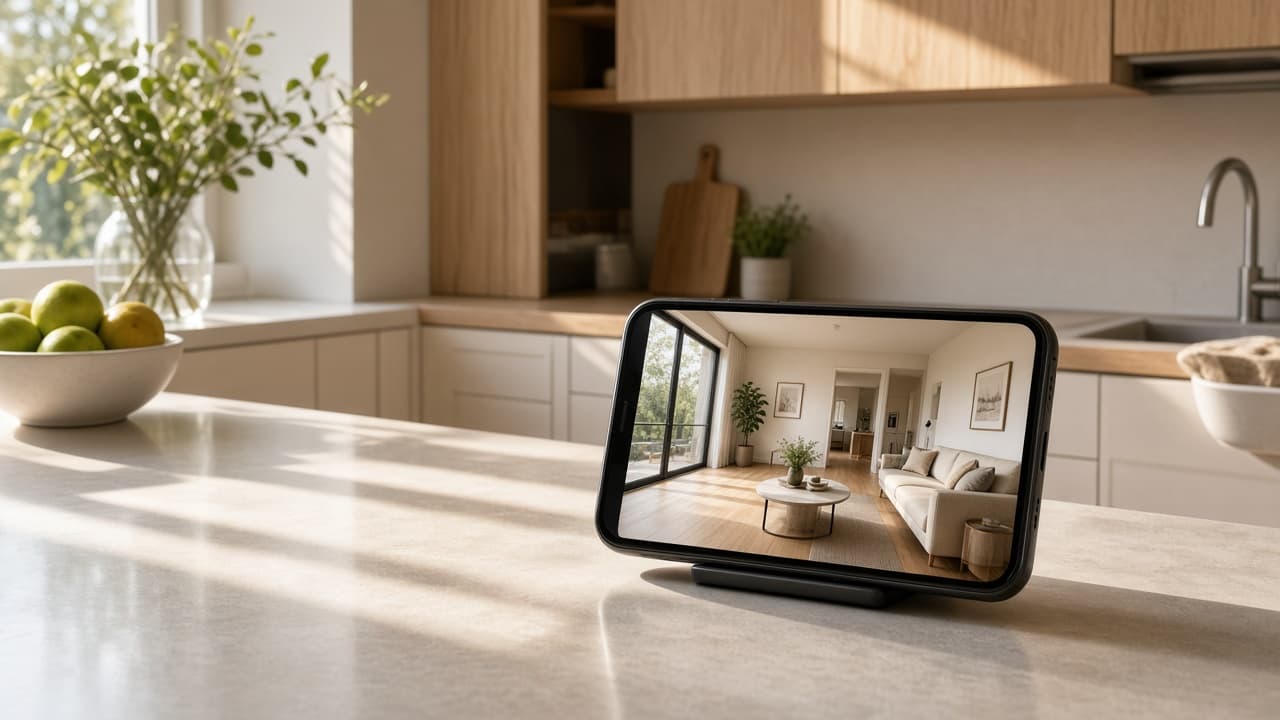
Agents who already film a walkthrough can upload that footage to VideoMotion Studio, review AI speed ramps and export a listing or social cut in the browser. It is not a substitute for photographing rooms you never recorded.
Key takeaways
- The visit still happens; the editor shortens post-production.
- Credits are shared with other ReHub apps.
- Be accurate with buyers about what the film shows.
Why phone footage is enough to start
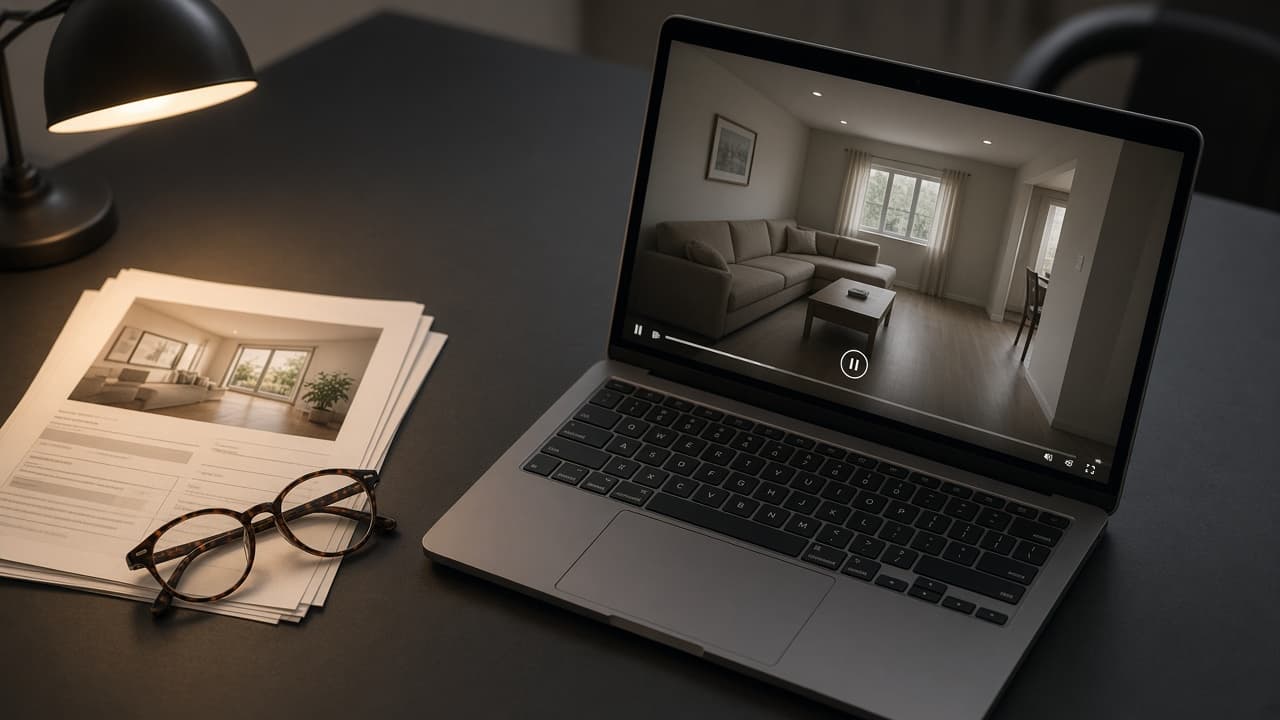
Most instructions already produce a walkthrough on someone’s phone. The delay is editing. VideoMotion is aimed at that gap: analysis, ramps, light branding, export.
A simple branch sequence
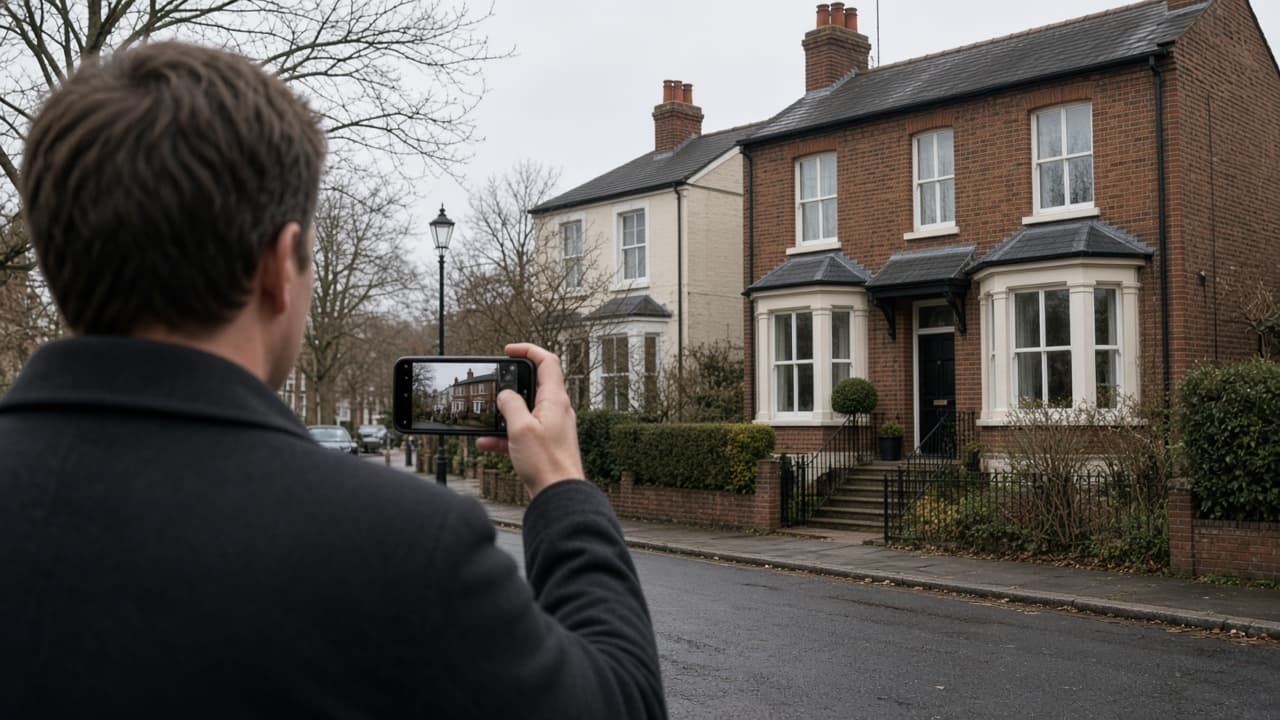
- Film rooms in a logical order, in the aspect you will publish.
- Create a project and upload (direct path) or write a script first if someone will present on camera.
- Review ramps and add the branch logo if you use one.
- Export and download. Non-promoted projects expire after 30 days.
Honesty on the listing
A paced film is still the property as filmed. Do not imply a tour of unfilmed annexes or a live open-house experience.
See the property marketing use case.