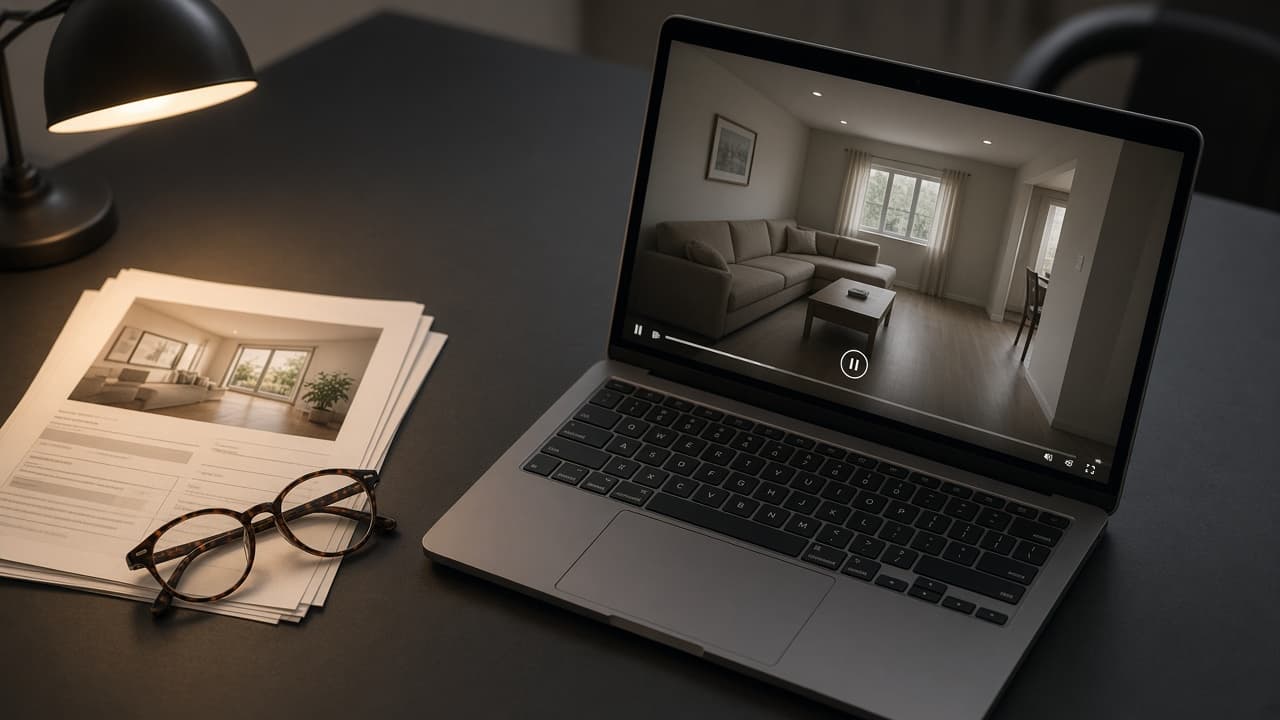
Speed ramps
What Is a Speed-Ramped Property Video?
VideoMotion Studio editorial · Published 2026-09-03 · Updated 2026-09-03 · 6 min read
In brief
A speed-ramped property video plays some segments slower and others faster. VideoMotion Studio proposes those speeds after analysing filmed footage. The pictures remain the frames you recorded.
Key takeaways
- Ramps change time, not the rooms that exist on film.
- Hero and detail segments stay slower than transitions.
- Presets give a starting pace you can override.
The problem with raw walkthroughs
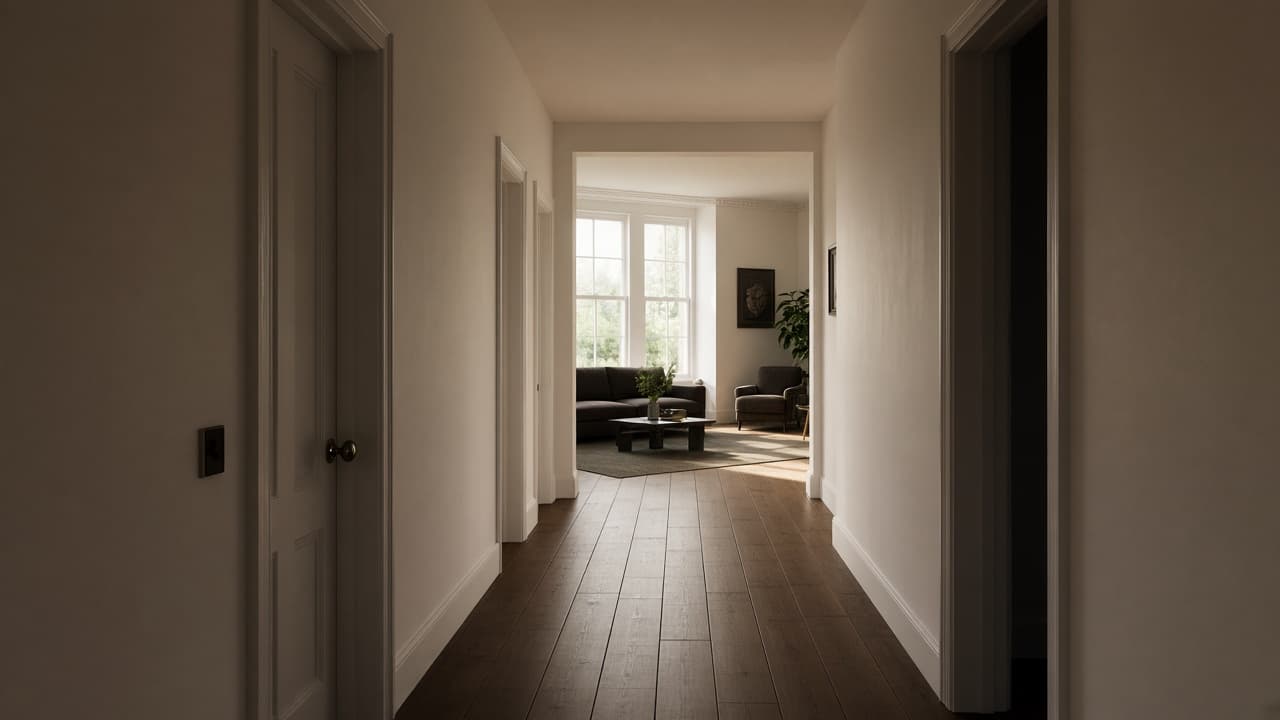
A continuous phone take includes doors, landings and pauses. Buyers need kitchens and living rooms more than those transitions. Changing speed by segment is a standard edit; VideoMotion recommends the segments so you are not setting every keyframe by hand.
What VideoMotion changes
After analysis, segments are typed as hero, detail, neutral or transition. Suggested speeds sit between 0.25× and 4×. Style presets apply a coherent set. You still decide whether a room should linger.
What a ramp is not
It is not a generated camera path and not image-to-video. If you only have stills, use ImageMotion. If you need a measured tour, film more rooms or use a 360 product.
Read speed-ramped video next.