Property marketing
How to Use AI-Edited Property Video Responsibly
VideoMotion Studio editorial · Published 2026-09-03 · Updated 2026-09-03 · 6 min read
In brief
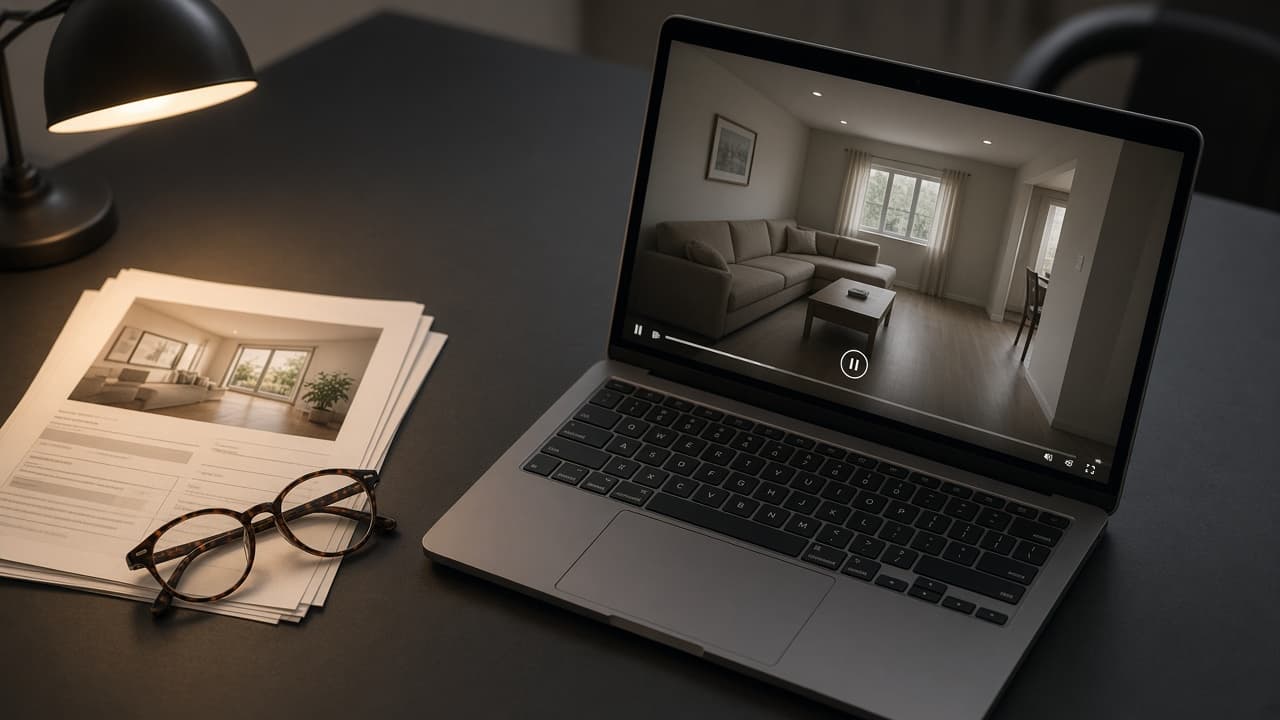
VideoMotion edits footage you filmed. Still tell buyers the truth about what they see, disclose AI assistance where a portal or client requires it, and do not publish music or logos you cannot use. Commercial rights follow the ReHub terms — confirm if you are unsure.
Key takeaways
- Ramps do not create rooms.
- Disclosure rules vary by platform — check them.
- Commercial use is not confirmed beyond the ReHub terms on this site.
What the AI actually did
Analysis labels segments and suggests speeds. Scripts draft narration from facts you entered. Neither fills in an unfilmed loft or garden.
Avoid misleading cuts
Do not cut so hard that a defect or neighbouring context disappears if that would mislead a reasonable buyer. Speed is not a licence to hide.
Disclosure
Some portals and ad platforms ask you to label AI-generated or AI-edited media. A paced walkthrough is edited footage, not a synthetic property. Follow the rule that applies to your channel.
Rights
Uploads, music and branding are your responsibility. This article is not legal advice. See acceptable use and the ReHub terms.