Social media
Portrait vs Landscape Property Video
VideoMotion Studio editorial · Published 2026-09-03 · Updated 2026-09-03 · 6 min read
In brief
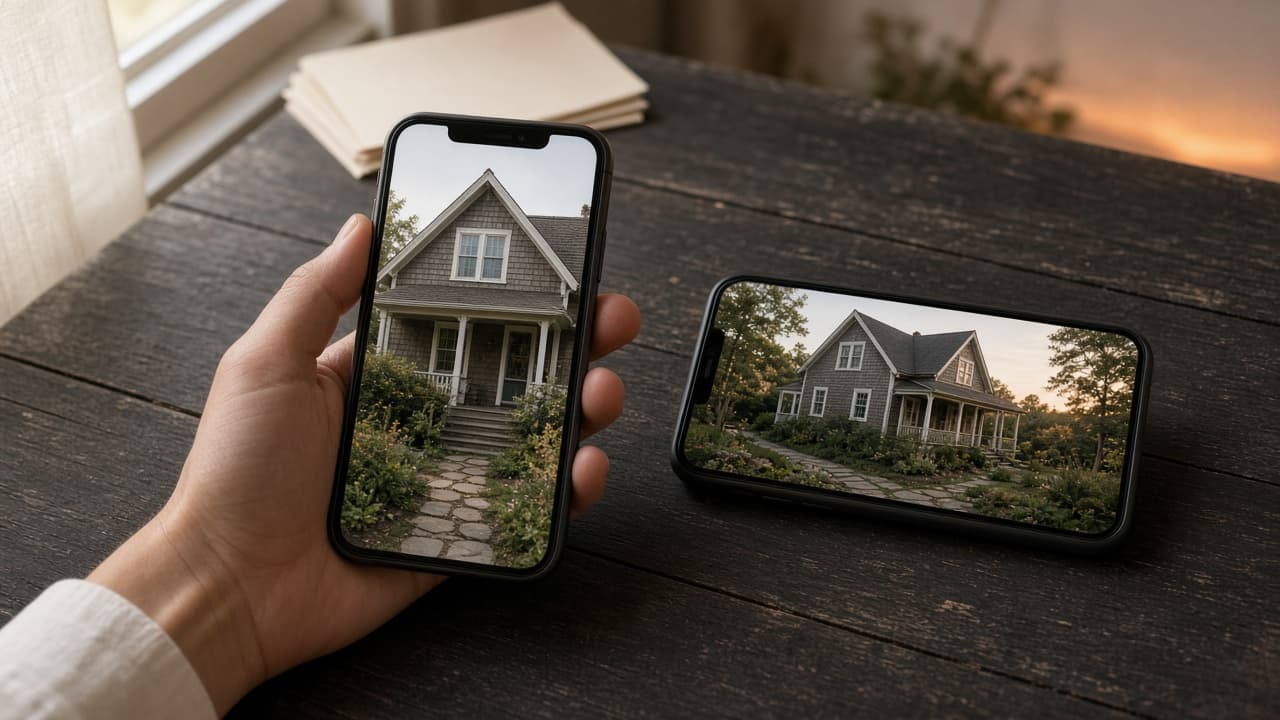
Film portrait (9:16) for Reels, TikTok and Shorts and landscape (16:9) for portals and websites. VideoMotion Studio exports 1080×1920 or 1920×1080. Film in the orientation you intend to publish.
Key takeaways
- Orientation is decided when you film, not only at export.
- Portrait is 1080×1920; landscape is 1920×1080.
- Two destinations often means two takes or two projects.
Match the destination
Vertical feeds punish letterboxing. Portal players expect landscape. Decide before you press record.
What the app exports
Portrait 1080×1920 is labelled for Reels, TikTok and Shorts. Landscape 1920×1080 is labelled for YouTube, websites and Rightmove-style players. Both are 1080p.
Practical advice
If the instruction needs both, film two short walks or keep a landscape master and a separate portrait reel. Do not claim the editor “converts” a landscape walkthrough into a native vertical shoot.
More on portrait property video.