Walkthrough filming
How to Edit a Property Walkthrough Filmed on Your Phone
VideoMotion Studio editorial · Published 2026-09-03 · Updated 2026-09-03 · 7 min read
In brief
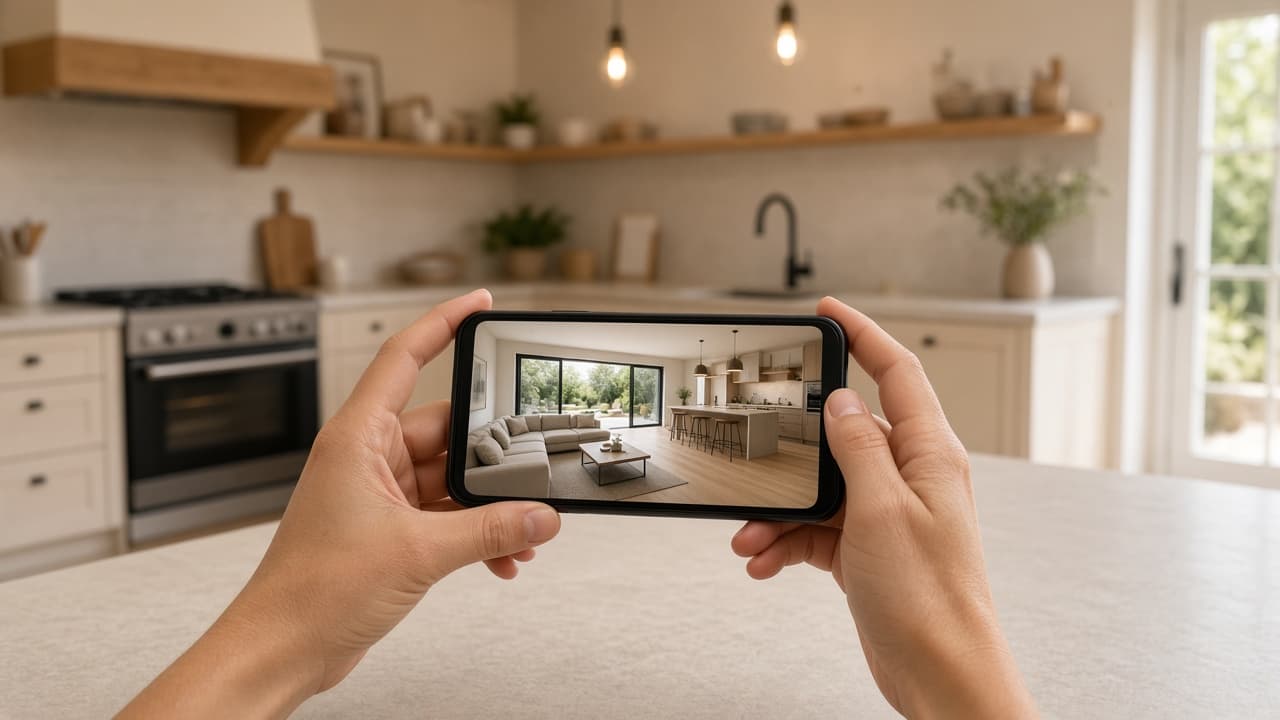
Film the property on your phone in the orientation you need, upload the MP4 or MOV to VideoMotion Studio, let analysis mark rooms and ramps, then review a preset and export 1080p. You do not need a desktop editor for a typical listing cut.
Key takeaways
- Film first; VideoMotion edits footage you already captured.
- Portrait and landscape are separate filming choices.
- A finished video is a flat 5 credits. Optional scripts cost 1 credit.
Film before you open the editor
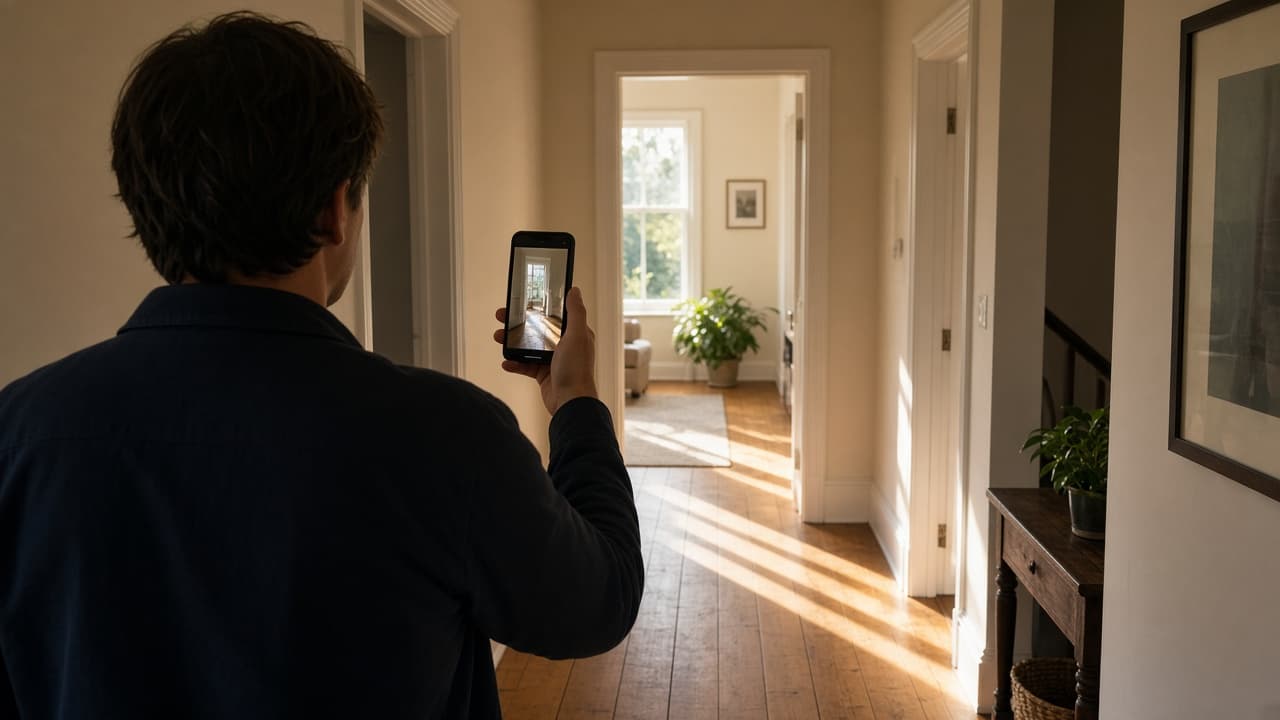
VideoMotion Studio is an editor, not a camera. Walk the property once you can keep the phone steady, rooms lit, and the path logical. Hold portrait for Reels and landscape for portals — the app exports those sizes but does not invent a true 9:16 frame from a landscape take.
Upload what the app accepts
Use MP4 or MOV. You can add up to ten clips (for example an exterior approach plus interiors), each up to 500 MB and five minutes. Larger files may be compressed in the app before upload.
Let analysis structure the clip
Analysis is free. The app labels rooms, transitions and hero moments and suggests speed ramps. If analysis fails, you can retry it. You need 5 credits on your balance to start, because that is what the finished video costs when you export.
Review ramps, then export
Pick Fast & Punchy, Balanced or Smooth & Cinematic, or open the timeline. Add a logo and intro if you use branding. Upload music only if you have the rights. Your first export costs a flat 5 credits and produces 1080p. Re-exports after further edits are free.
See how it works and speed-ramped video.
Questions
You can upload MP4 or MOV up to 500 MB and five minutes. The exported file is 1080p.