Guide
AI property videos and filmed walkthroughs: uses and limitations
VideoMotion editorial · Product editorial · Published 2026-09-12 · Updated 2026-09-12 · 9 min read
Editors who write from the live VideoMotion product — filming, analysis, ramps, credits and export — rather than from generic AI-video claims.
In brief
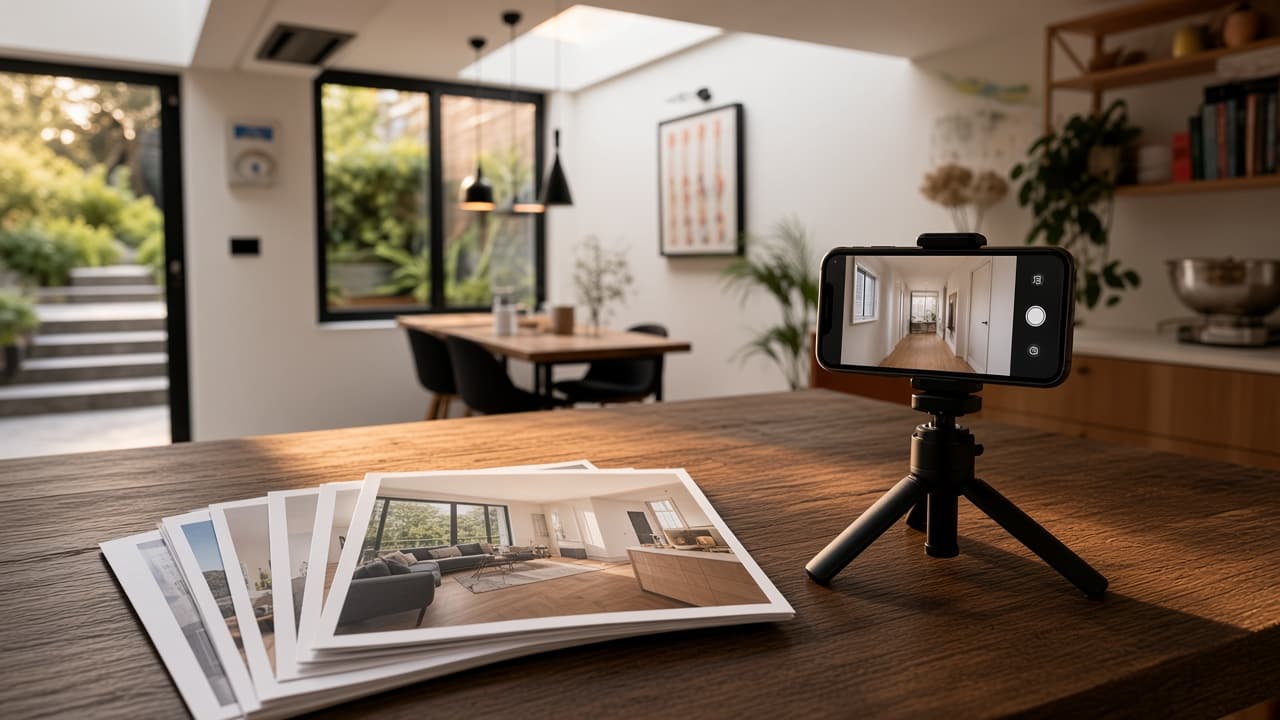
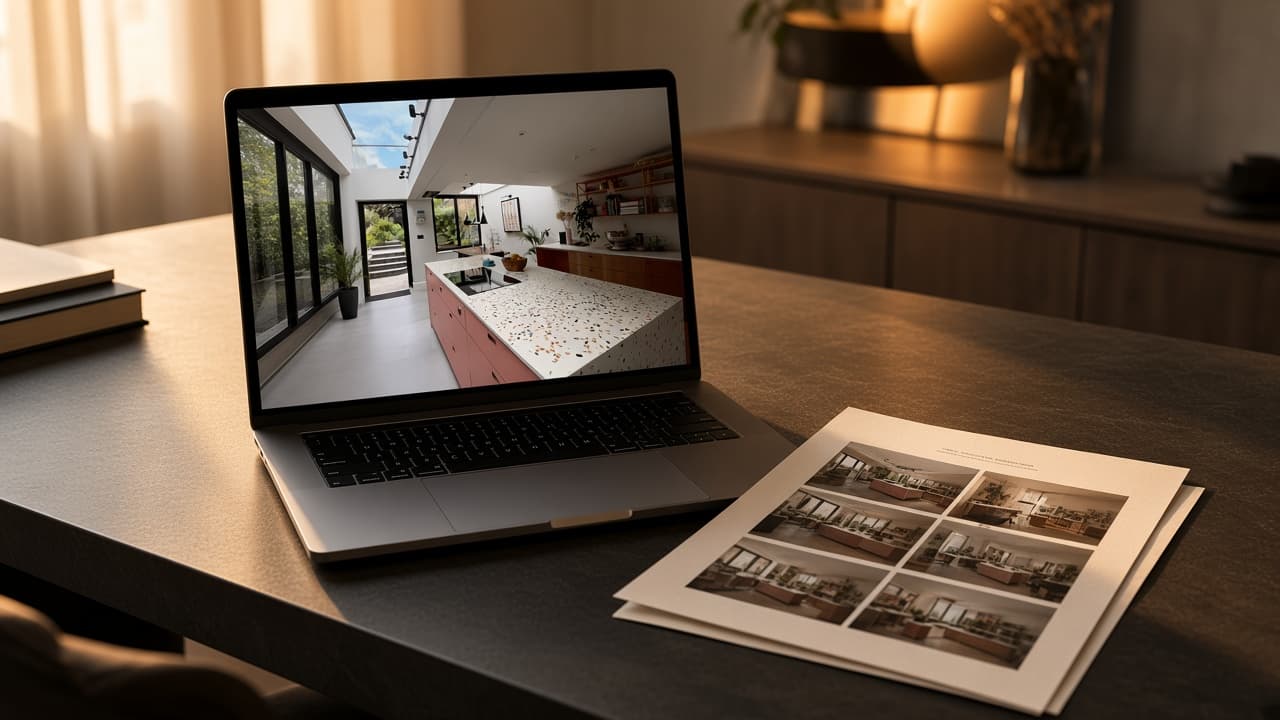
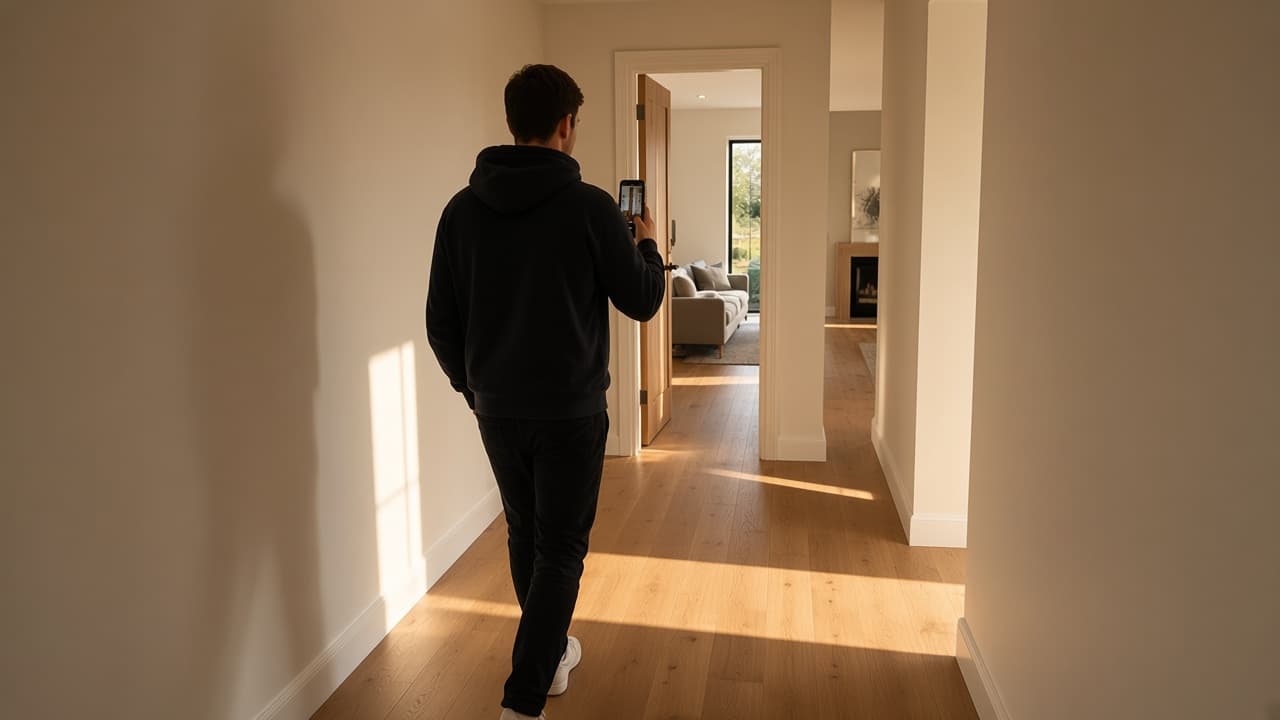
A filmed walkthrough records a real path through the property. VideoMotion edits that film. ImageMotion adds motion to a still and cannot show unfilmed rooms. Neither product replaces a live viewing or a measured survey.
Key takeaways
- Filmed footage and generated photo-motion answer different jobs.
- VideoMotion does not invent unseen rooms.
- Disclose AI assistance where a portal or client requires it.
The useful distinction
| Starting asset | Product | What the viewer sees | Honest use | | --- | --- | --- | --- | | Still listing photograph | ImageMotion | Camera-style motion over a photo | Teasers, social, when no film exists | | Filmed walkthrough | VideoMotion | The rooms you actually walked | Portal films, reels, presenter-led visits | | Neither film nor stills of a space | Neither | Nothing truthful | Commission CGI, wait for the show home, or skip video |
What VideoMotion is for
Estate agents, photographers and new-homes teams who already film. The app:
- Analyses uploaded MP4/MOV clips for rooms, transitions and hero moments.
- Recommends speed ramps (Fast & Punchy, Balanced, Smooth & Cinematic, or a timeline).
- Exports 1080×1920 or 1920×1080.
- Optionally generates a script and offers a teleprompter.
It will not:
- Build a tour from photographs.
- Stabilise chaotic handheld footage into a cinematic lock-off.
- Add a stock music library (upload your own track).
- Keep non-promoted projects forever (30 days).
What a filmed walkthrough cannot replace
A paced edit is still the property you recorded. It is not:
- A live viewing.
- A 360 tour.
- Proof of floor area or specification.
- A substitute for accurate listing copy.
UK listing and advertising rules still apply to the claims you put around the film. For Consumer Protection from Unfair Trading Regulations context, see GOV.UK guidance on property sales rather than this page.
How to choose on a live instruction
- Stills only, need motion today → ImageMotion.
- Phone walkthrough already on the camera roll → VideoMotion.
- Unbuilt plot → CGI or wait; do not imply the rooms exist.
- Need every social ratio from one file → film a second take; VideoMotion does not auto-produce every crop.
Credits, in brief
VideoMotion uses shared ReHub credits: 10 on signup, 1 per optional script, free analysis, and a flat 5 per finished video charged on the first export. Full tables live on pricing.
Related
Questions
Generated motion moves a still. A filmed walkthrough records you moving through space. VideoMotion only does the second of those.