Guide
How to turn property photos into a video
VideoMotion editorial · Product editorial · Published 2026-09-12 · Updated 2026-09-12 · 8 min read
Editors who write from the live VideoMotion product — filming, analysis, ramps, credits and export — rather than from generic AI-video claims.
In brief
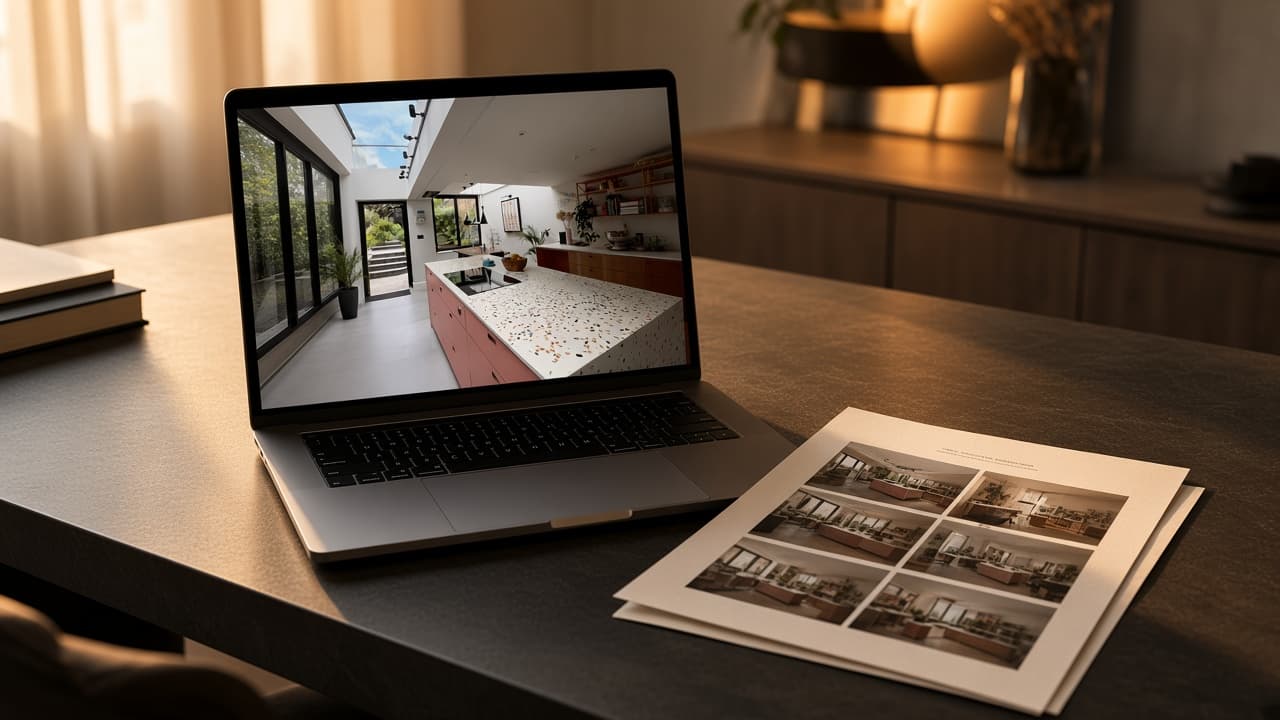
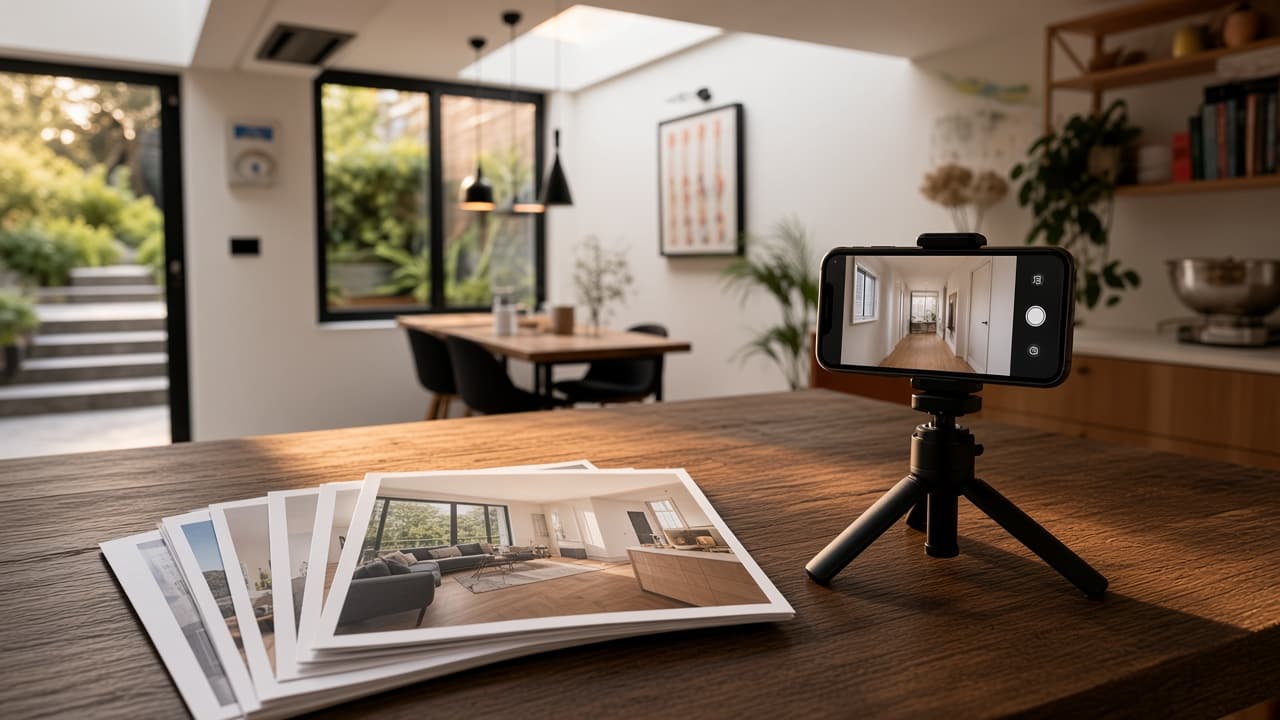
Still photographs become motion clips in ImageMotion. Filmed walkthroughs become listing or social videos in VideoMotion. VideoMotion cannot generate a property video from photographs alone.
Key takeaways
- Photographs and filmed walkthroughs are different starting assets.
- ImageMotion animates stills. VideoMotion edits video you already shot.
- Do not present generated photo-motion as a filmed tour of the property.
Start with the asset you actually have
A listing video can begin in two honest ways:
- Still photographs — the rooms exist as images. Motion is added afterwards.
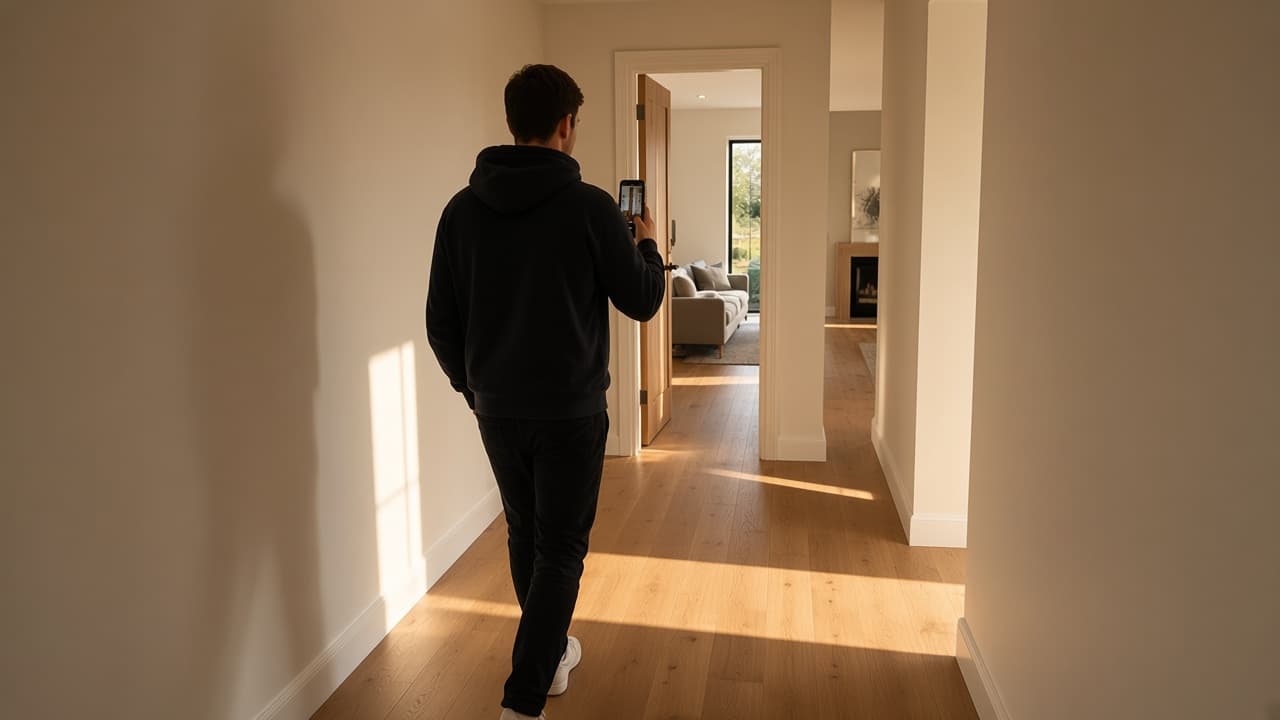
- Filmed walkthroughs — you walked the property with a camera or phone.
Mixing those two stories confuses buyers. Choose the tool that matches the asset.
If you only have photographs
Use ImageMotion. It is the ReHub product that turns listing stills into short motion clips. VideoMotion will reject the job conceptually even if you convert a photo to a one-frame video: the product is built to analyse rooms, transitions and hero moments in filmed footage.
Typical uses for stills-based clips:
- A teaser when the photographer did not film.
- Social motion from a hero exterior or kitchen still.
- A stop-gap while a walkthrough is booked.
How to choose photographs for an AI property video covers which stills work.
If you have filmed a walkthrough
Use VideoMotion. The steps are:
- Film portrait or landscape on a phone, in one orientation per take.
- Optional: generate a script (1 credit) and use the free teleprompter.
- Upload up to ten MP4 or MOV files (500 MB and five minutes each).
- Review AI speed ramps, add a logo and your own music, export 1080p.
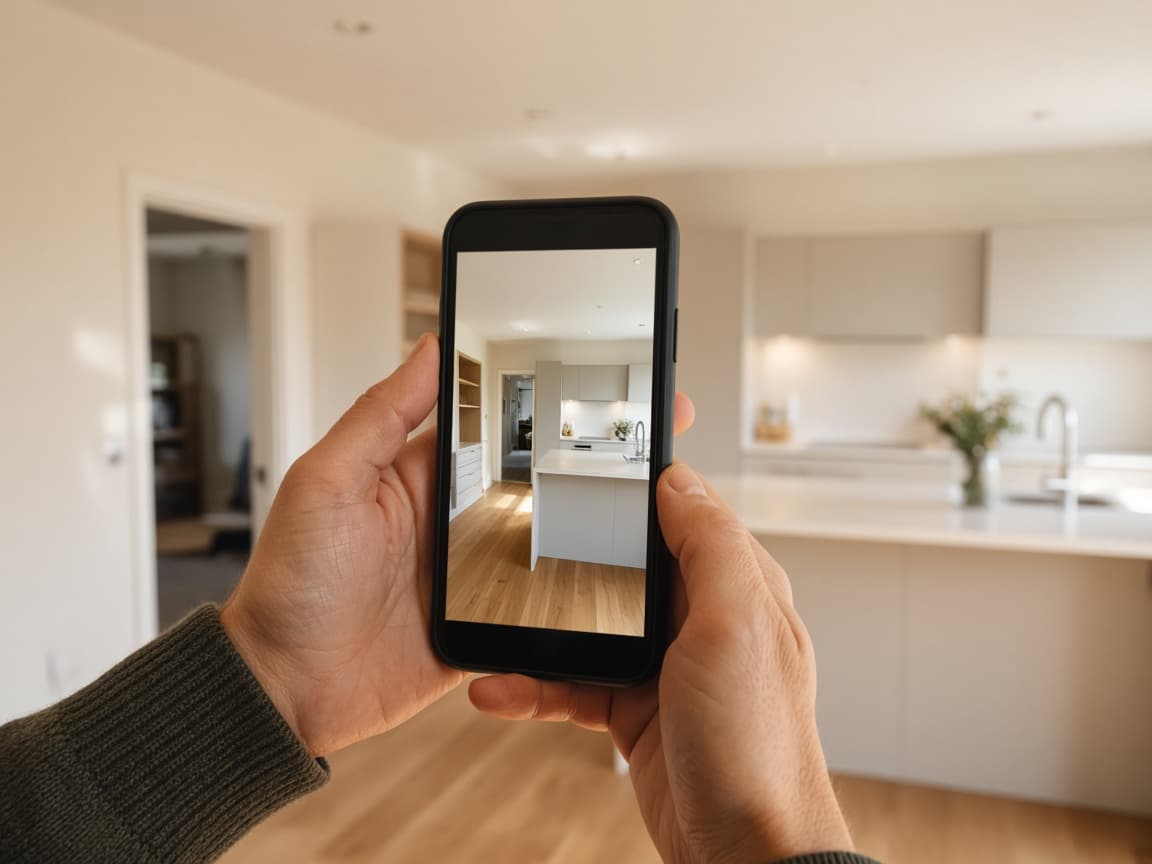
That workflow is documented in how VideoMotion works.
What not to do
- Do not describe an ImageMotion clip as a filmed tour.
- Do not expect VideoMotion to invent rooms that were never recorded.
- Do not upload music or logos you cannot use commercially. Exports follow the ReHub terms.
Related reading
Questions
No. Upload MP4 or MOV walkthrough footage instead, or use ImageMotion for stills.