Guide
How to choose photographs for an AI property video
VideoMotion editorial · Product editorial · Published 2026-09-12 · Updated 2026-09-12 · 7 min read
Editors who write from the live VideoMotion product — filming, analysis, ramps, credits and export — rather than from generic AI-video claims.
In brief
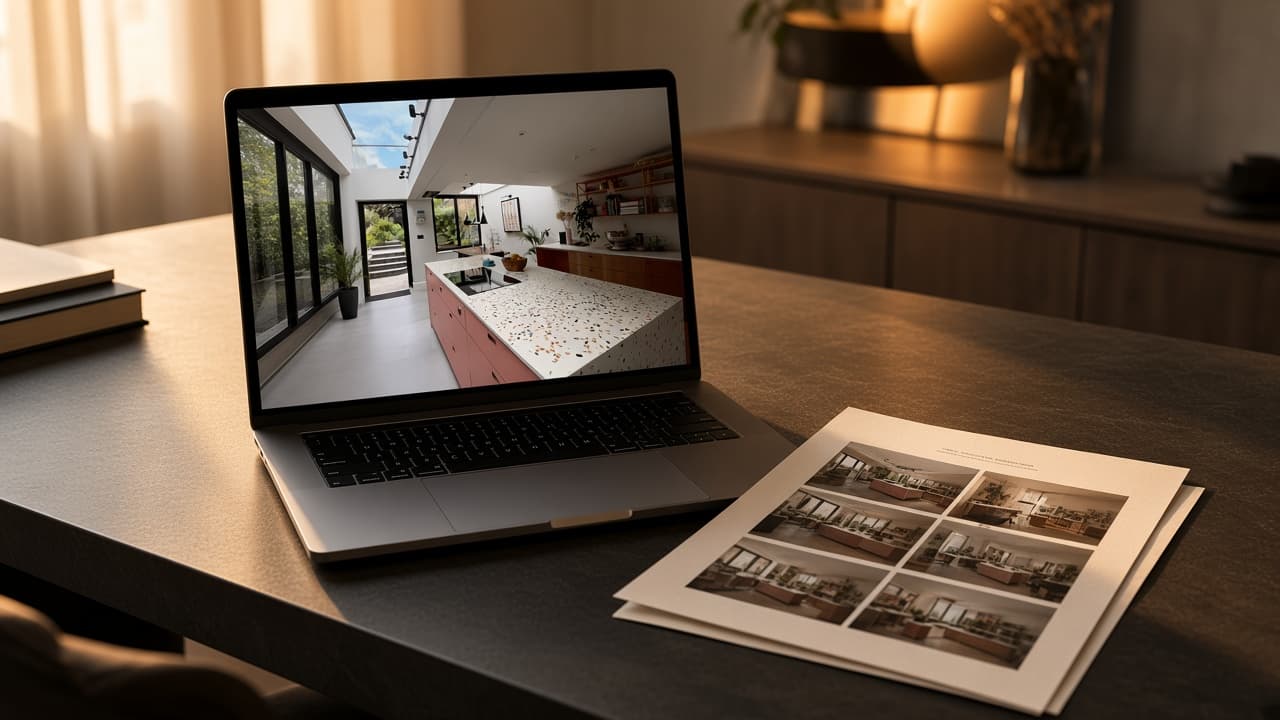
For stills-based AI video, pick sharp, well-lit listing photographs with depth. For VideoMotion, do not send photographs at all — film a walkthrough in one orientation, pause in hero rooms, and stay within five minutes and 500 MB per clip.
Key takeaways
- VideoMotion needs filmed MP4 or MOV clips, not JPEGs.
- Stills belong in ImageMotion if you want photo-to-motion.
- Depth, even light and a planned route matter more than gadgetry.
Two checklists, because there are two products
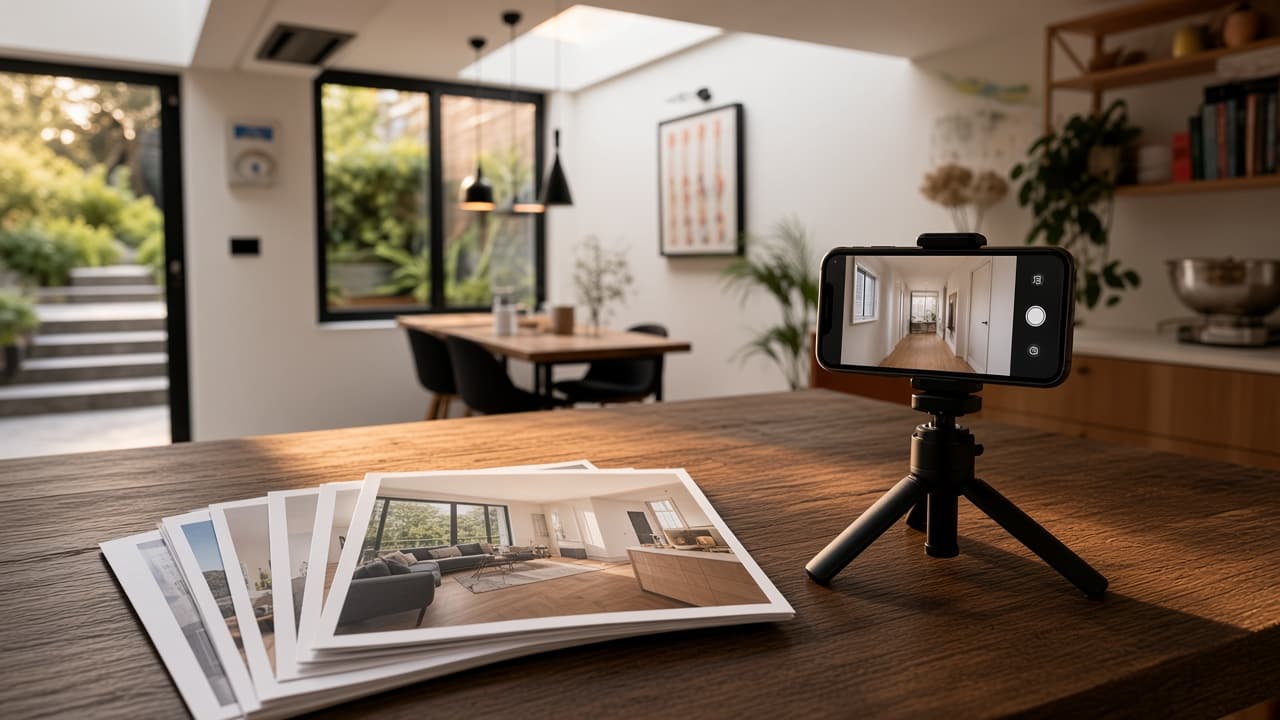
Photographs are the starting point for ImageMotion. Filmed clips are the starting point for VideoMotion. Using the wrong list wastes time.
If the job is stills (ImageMotion)
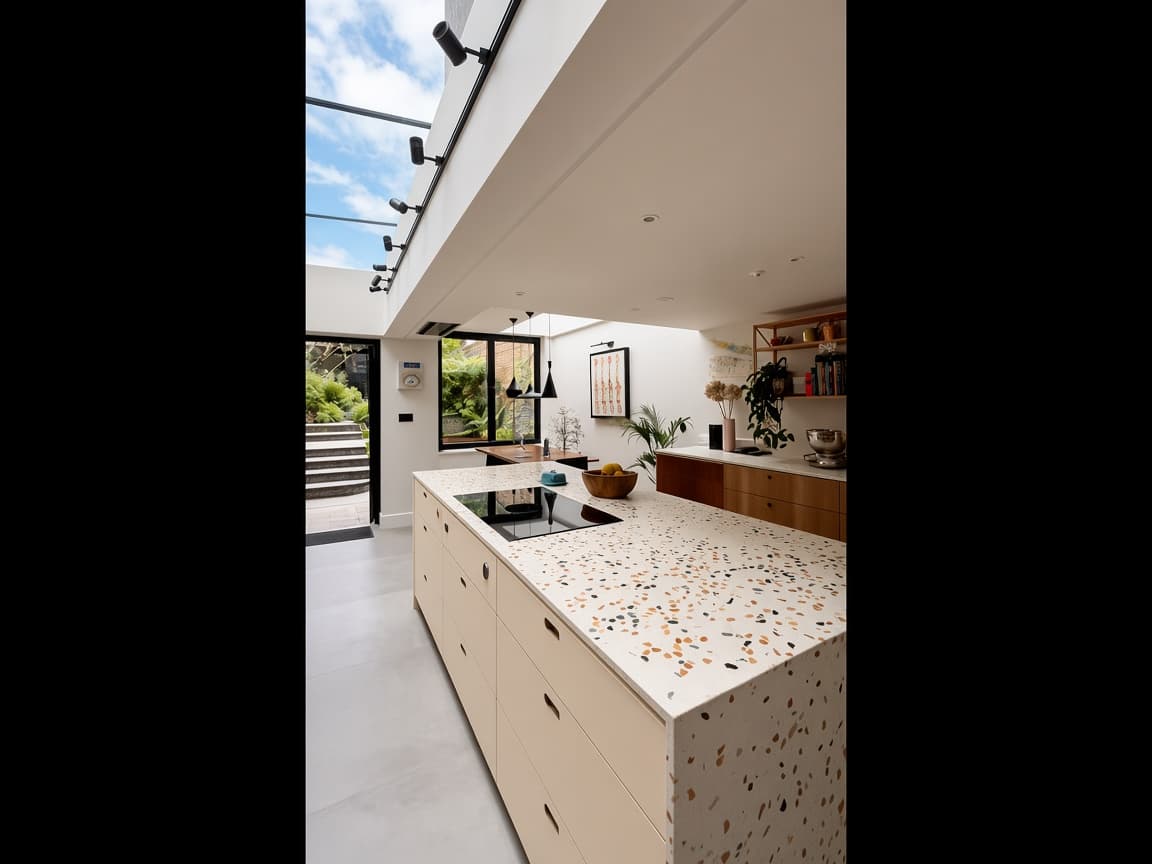
Choose frames that already work as listing photos:
- Sharp interiors with visible depth (a doorway, corridor or window in the distance).
- Even light. A single blown window with a black room will still look poor in motion.
- Level verticals. Generated camera moves exaggerate a leaning wall.
- Hero rooms first: kitchen, living, principal bedroom, exterior.
Avoid cluttered close-ups, people, and images you do not have the right to reuse. ImageMotion cannot show rooms that were never photographed.
If the job is a filmed walkthrough (VideoMotion)
Ignore the stills checklist above and shoot video instead.
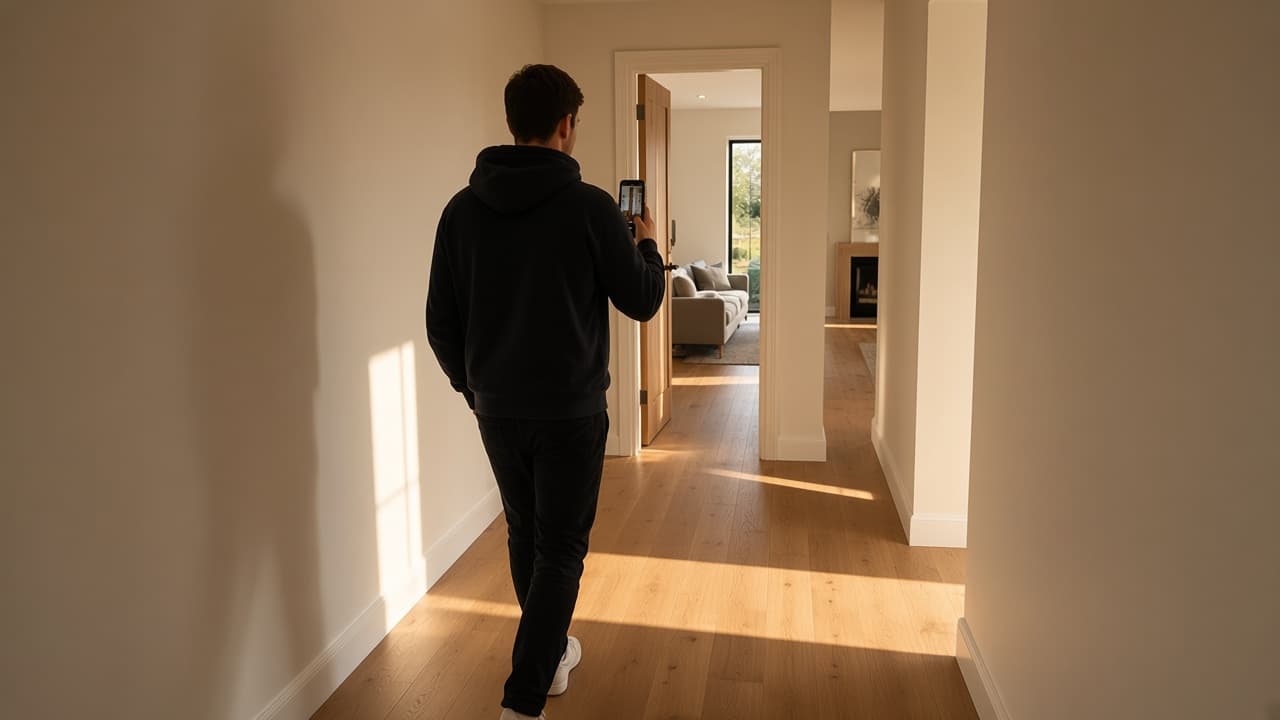
- Plan the route: approach or hallway, then rooms in a logical order.
- Keep the phone in one orientation for the whole take.
- Pause in hero rooms so analysis can mark them.
- Split exterior and interior if needed — up to ten files per project.
- Export MP4 or MOV, stay under five minutes and 500 MB per file.
Field habits are covered in How to film a property walkthrough on mobile.
Why this distinction matters
Sending a folder of JPEGs to VideoMotion will not produce a cinematic walkthrough. The editor looks for rooms, transitions and hero moments in footage. If you only have stills, start at ImageMotion or book a short film on the next visit.
Next step
- Stills: ImageMotion
- Filmed clips: Create a video in VideoMotion
Questions
None. VideoMotion edits video. Use ImageMotion for stills, or film a walkthrough for VideoMotion.